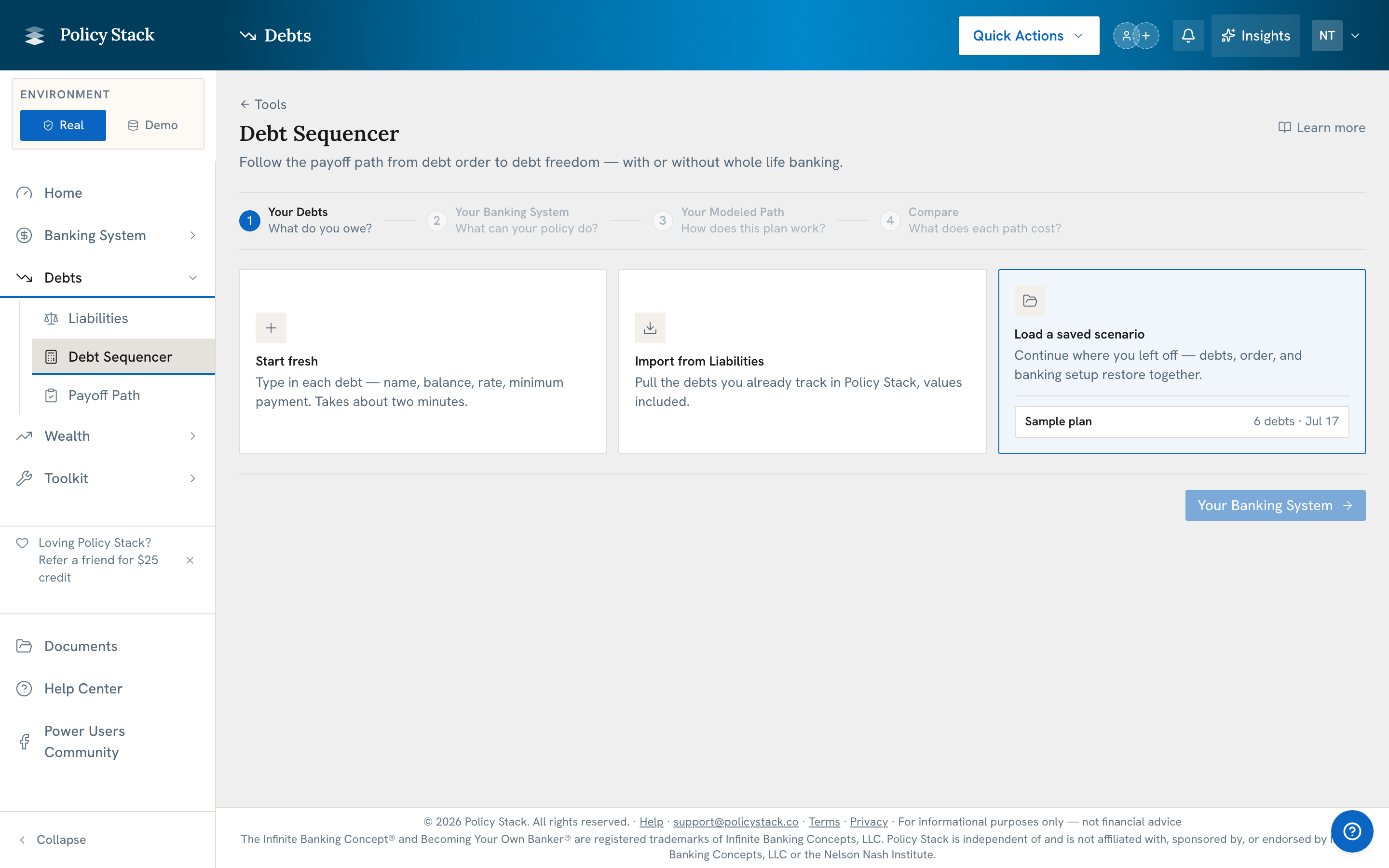
Debt Payoff Path has five stages: Steps 1–4, Payoff order, compare minimum-only, avalanche, snowball, and whole life banking paths for external obligations. When a whole life banking layer is configured, the Game Plan shows the modeled policy-loan sequence. Use each policy's confirmed illustration or enter annual premium and Cash Value values manually. For an existing policy, the forecast starts with its latest dated recorded Cash Value and uses its own illustration and dated base/paid-up additions schedule. A difference from the illustration is carried forward without compounding. Values between policy years are estimates, and unsupported premium or rider details can make a forecast unavailable. Proposed-policy payment dates are estimates. A manual schedule stops at its last entered year. Choose monthly, quarterly, or annual policy-loan draws independently of premium frequency. Future growth, policy loans, and repayments remain Modeled. A tracked plan replays recorded months and re-projects at the policy's current loan rate, so a corrected rate carries into it; the plan's own prediction keeps the rate it was saved at. Start an eligible saved scenario in Payoff Path (Step 5) to track it month by month.
Key Takeaways
- Compare payoff timing, modeled interest, and the month-by-month sequence
- Start from recorded policy values or manual inputs, then enter policy annual values manually or use a confirmed carrier illustration as alternative schedule sources
- External obligations are modeled separately from tracked policy loans
- All results are Modeled and illustrative; the tool does not choose a path
- Debt Payoff Path is live on Builder Pro and every paid Practice tier, not Starter