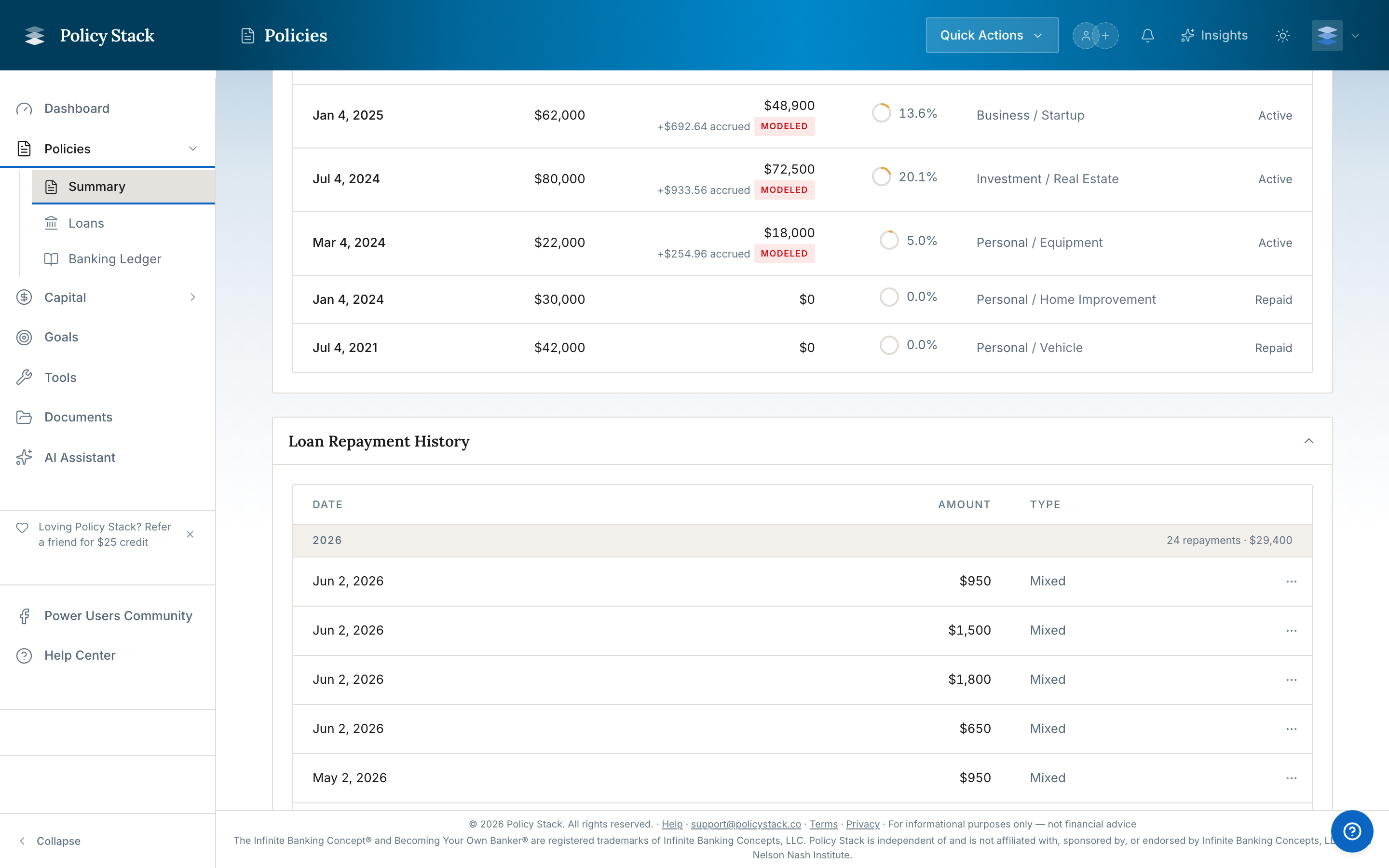
The Loans tab in a Policy Workspace shows each policy loan's carrier-facing balance, rate, draw history, repayments, timeline, and loan-to-value context.
For the concept behind these mechanics — the draw, capitalized interest, LTV, and repay-and-redraw cycle — see How Policy Loans & Draws Work.
Record Activity
- Record a policy loan or additional draw with its amount and date. When the draw-characterization fields are shown, choose Deployed into an asset and select the recorded asset, or choose Personal use with a purpose category and optional note
- Log a current or past repayment and assign principal with the saved First in, first out (FIFO) or Equal reduction default, a one-time override, or exact dollars by draw
- Edit or delete a recorded repayment when the source record needs correction; deleting it adds the principal back to the tracked loan balance, unless it is dated on or before a carrier statement, which keeps the balance it reports
- Use a repayment schedule for future recurring payments. Auto Log records scheduled activity on its cadence; it does not move money at the carrier
To correct what a Loan entry was for, open its Banking Ledger row menu and choose Edit characterization. This can change the asset link or personal-use details without changing the draw amount or tracked loan balance.
Repayment Plans
The plan section separates no plan, a plan with zero monthly payments, and interest added to the balance. Existing reminder switches show their next date when active; disabled reminders remain off.