The Log repayment Quick Action records one repayment amount for the policy you select. It starts with the policy nickname, shows the policy-loan and active draw balances, then lets you use the saved allocation default, override it once, or enter exact dollars by draw.
Where to Find It
The Quick Action menu opens from the top of the dashboard and from any loan-related page. Look for Log repayment.
When to Use the Policy-Level Dialog
Use this dialog when any of the following is true:
- You want to choose the policy first and review all active draws before logging the repayment
- You want First in, first out (FIFO) or Equal reduction applied across active draws
- You know the exact dollars to assign to one or more draws
- You want to use the exact amount saved by the Policy Loan Repayment Modeler
When to Use the Per-Loan Dialog Instead
The per-loan Record repayment dialog remains available for maintaining an IBLOC/CVLOC from its detail page. Policy-loan repayments use the allocation-aware Log repayment flow.
How the Allocation Works
When you submit a repayment, Policy Stack:
- Shows the selected policy's current tracked loan balance
- Shows active draw balances that still have a positive balance
- Assigns principal by the saved household default, a one-time First in, first out (FIFO) or Equal reduction override, or exact dollar amounts
- Decrements the tracked loan and draw balances
- Writes a linked Loan repayment line to the Banking Ledger
The preview shows the before-and-after balance for the policy loan and each affected draw before you submit.
When a draw reaches zero, it leaves the active draw list and remains in the loan's historical record.
Fields
- Policy — choose the policy the repayment was made against. If only one policy has active loans, this field is pre-selected.
- Amount — the total dollar amount you sent the carrier.
- Payment date — defaults to today; change if you're back-filling a past payment.
- Notes — optional. Useful for tracking which carrier statement period the payment covers.
Use the gear on the Loans page to open Settings → Loan repayment tracking. The household default is First in, first out (FIFO) or Equal reduction. A one-time choice, exact draw assignment, or plan-directed repayment takes precedence over that default.
After Submitting
- The dialog closes and a confirmation appears.
- Each affected loan's tracked balance decreases by its share.
- The Banking Ledger gains one Loan Repayment entry for the policy-level event, with the distribution metadata attached.
- Your activity log records the policy repayment with per-loan allocations.
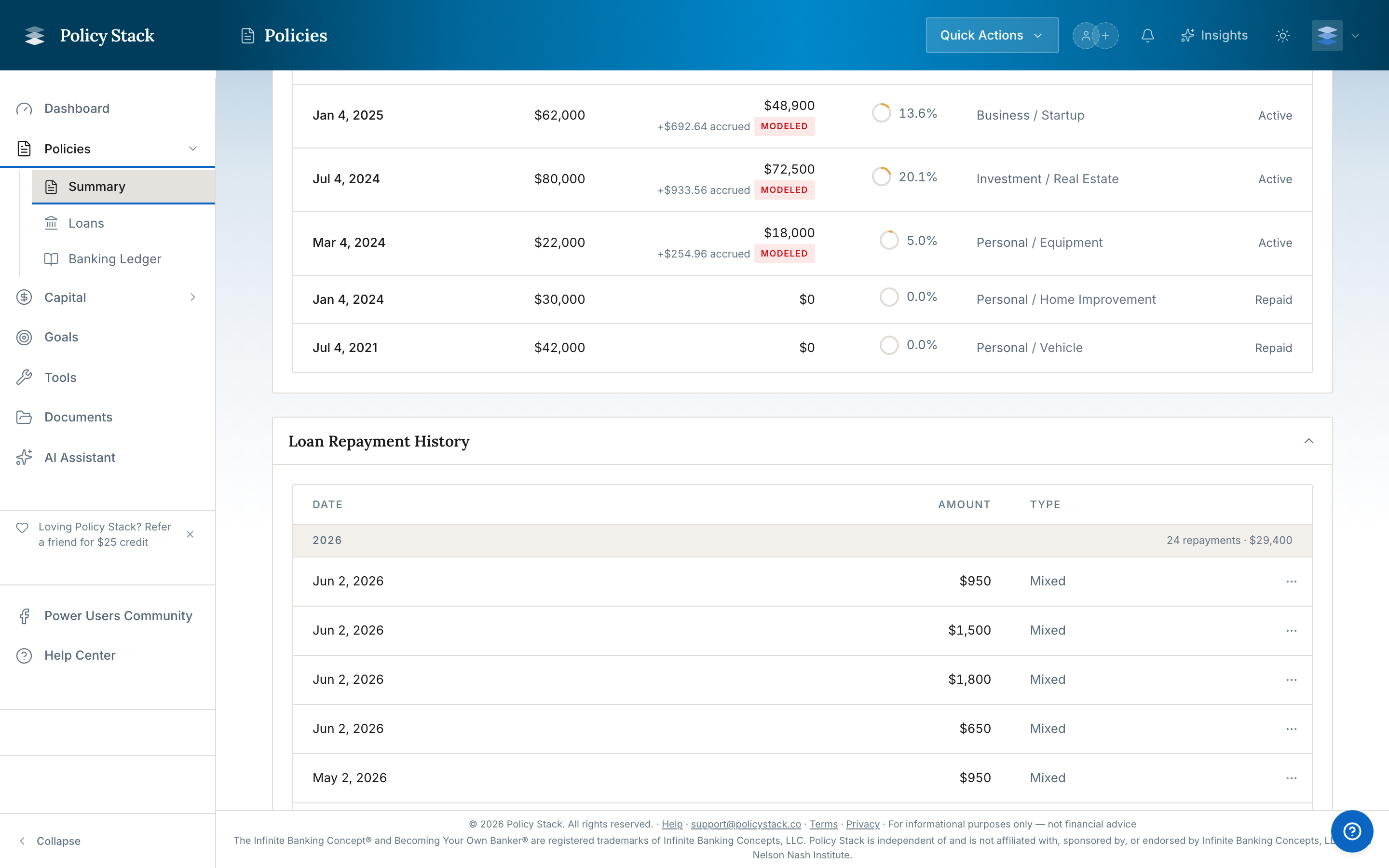
Each affected loan's history table gains a repayment row for its share — the payment date and amount — so the repayment shows up on the loan as well as in the Banking Ledger.

Editing or Reversing
Policy-level repayment corrections are not one aggregate operation. Open each affected loan's Repayment History and edit or delete its auto-distributed repayment so the tracked balance is corrected. Then review the aggregate policy-repayment row in the Banking Ledger and correct that row separately if needed; changing only the aggregate ledger row does not recalculate the loan balances.
Edge Cases
- Policy with no active loans — the dialog returns "No active loans on this policy. Log a snapshot with a loan balance to create a baseline, or add a loan first."
- Policy where every active loan has a zero balance — the dialog reports the same; there's nothing to distribute against.
- Single-loan policy — the dialog still works; the full amount is allocated to that one loan.
- IBLOCs on the same policy — IBLOCs are not included in the distribution. They're maintained separately. See How IBLOCs Interact with Snapshots.