When you record a securities deployment — stocks, ETFs, crypto, bonds, mutual funds, or precious metals — Policy Stack asks for the account type. This article explains what that field captures and why it matters for tracking.
Where You Set It
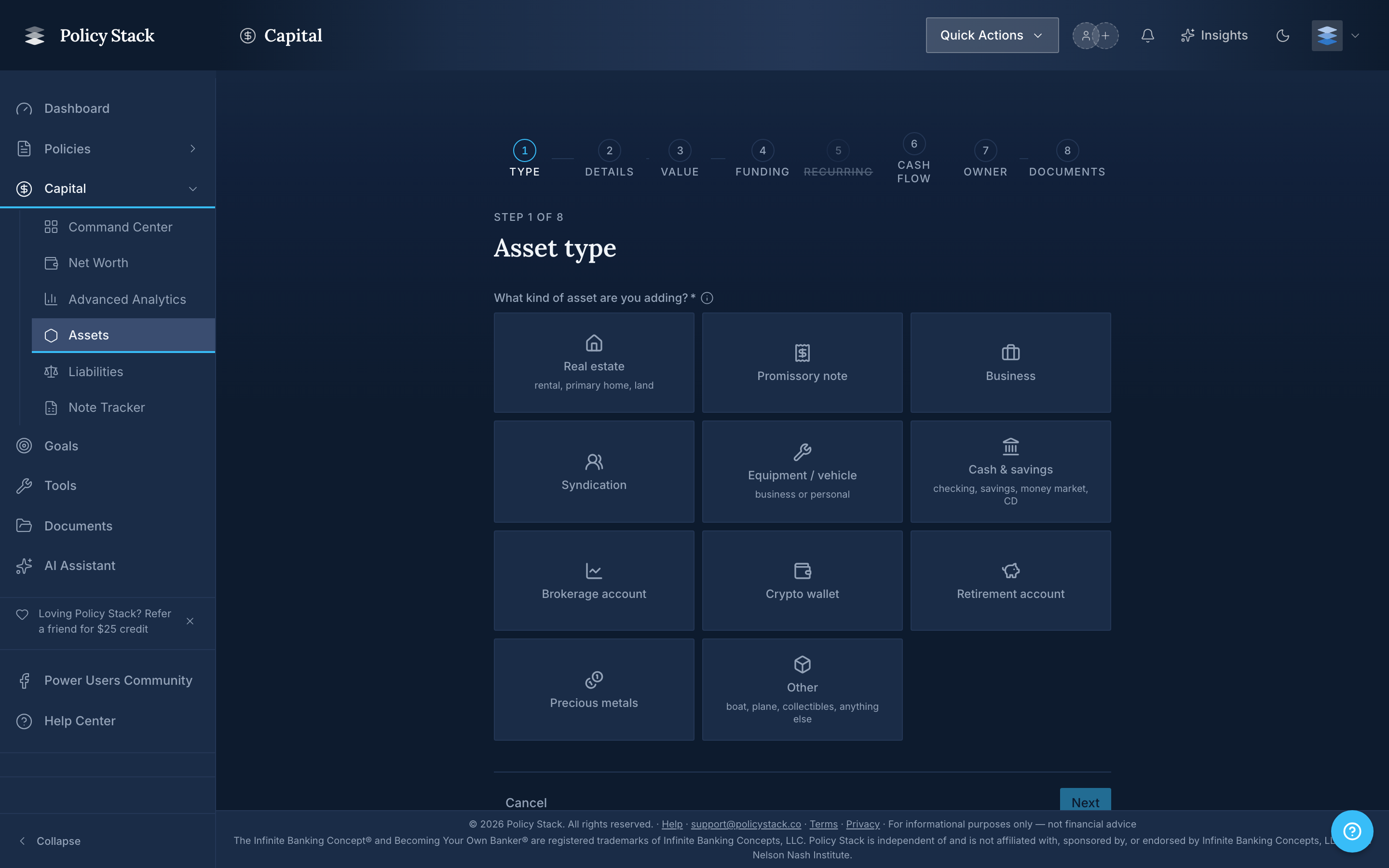
The account type lives in Step 2 — Details of the Add Asset wizard, alongside the symbol, institution, units, cost basis, and acquired date. Step 2's header reads Type-specific details — Tell us about this asset. The label on the field is Account type.
The Six Account Types
Policy Stack records securities under one of six account types:
- Taxable brokerage — a standard non-retirement investment account. Realized gains, dividends, and interest are taxable in the year received.
- Traditional IRA — a tax-deferred individual retirement account. Contributions may be deductible; withdrawals in retirement are taxed as income.
- Roth IRA — a post-tax individual retirement account. Qualified withdrawals (including earnings) are tax-free.
- 401(k) — an employer-sponsored retirement plan. Contributions reduce current taxable income; withdrawals are taxed as income.
- HSA — a Health Savings Account paired with a high-deductible health plan. Contributions, growth, and qualified medical withdrawals are all tax-advantaged.
- Other — anything that doesn't fit cleanly above (a 403(b), 529, SEP IRA, taxable trust account, and so on). Use the Account held at field to capture the institution and add detail in notes.
Why the Account Type Matters
Policy Stack does not file taxes for you. It records the account type so that:
- Reporting stays grouped correctly. Your dashboard and analytics views can separate retirement assets from taxable assets, which carry different liquidity and timing characteristics.
- Cost basis context is preserved. A Roth IRA's cost basis behaves differently from a taxable brokerage's for after-tax planning. Policy Stack keeps the basis you enter alongside the account type so the picture stays honest.
- Capital deployment categorization works. Banking-system reporting treats retirement accounts as a different bucket than deployable capital you can route through policy loans. The account type is what makes that distinction possible.
What the Form Expects
In addition to Account type, the securities sub-form asks for:
- Symbol — labeled Ticker symbol, Coin / token, CUSIP / symbol, Fund symbol, or Metal depending on the asset subtype you picked in Step 1
- Account held at — the institution that custodies the account (for example, Fidelity, Coinbase, Vanguard)
- Units — labeled Shares, Coins, Face value units, or Ounces
- Cost basis — your aggregate cost basis in the position
- Acquired date — when the position was opened or first acquired
All five fields are required. The combination of subtype + account type + institution is what lets Policy Stack render an accurate row on your asset list and surface the right context in analytics.
Choosing the Right Type
The field is for tracking, not tax advice.
- If a single position is split across two account types (for example, you hold the same ETF in a taxable brokerage and a Roth IRA), record each as a separate asset. Policy Stack treats each row as one position in one account.
- If you're not sure which type applies, Other is a safe choice. You can edit it later from the asset detail page.
Policy Stack records the account type you select. It does not verify the account against your custodian and does not assume tax treatment beyond what the type implies.