When you add a new capital deployment in Policy Stack, Step 4 — Funding captures where the capital came from. You can record one source, several sources combined, or skip the step entirely if there is nothing to log right now.
Where This Lives
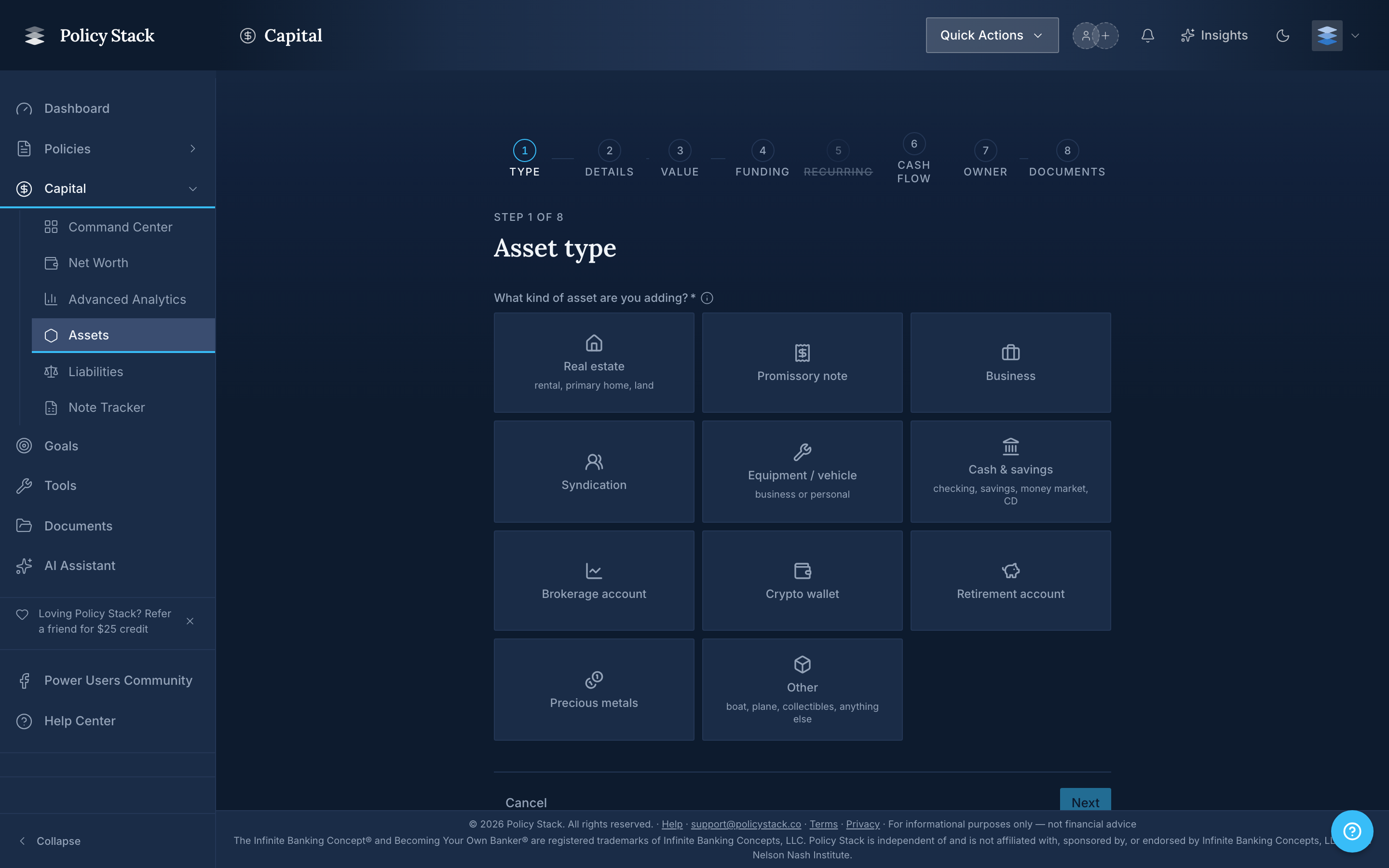
The funding step is the fourth screen of the Add Asset wizard, accessed from Capital → Assets → Add asset. The progress pill at the top shows your place: Type · Details · Value · Funding · Recurring · Cash flow · Owner · Documents. The header reads Initial contribution — How was this asset funded? You can skip if there are no contributions to log.
The Four Source Types
Policy Stack records four kinds of contributions:
- Policy loan (active) — capital from a loan that exists today against one of your tracked policies. Picking this option asks you to choose which loan from a dropdown that lists the original amount and the amount still attributable to new contributions.
- Historical policy loan (no longer active) — capital from a policy loan that was repaid or otherwise closed before the asset was added to Policy Stack. Used to keep the historical record honest without re-creating loans that no longer exist.
- Cash from outside your banking system — capital that did not come through a policy loan. Savings, a bonus, sale proceeds from outside the system, and so on.
- Proceeds from another asset — capital recycled from a previous deployment exit. The picker for the source asset ships in a later release; selecting this option today shows Pick a source asset (coming soon).
Multiple Sources for One Asset
Most deployments are funded by a single source, but Policy Stack supports any combination. Click Add another source to record a second row, a third, and so on. Each row carries its own source type and amount.
As you fill in amounts, the step shows a running tally beneath the rows: $X funded of $Y target. The target value is the current value you entered in Step 3. The tally is informational — Policy Stack does not block you from saving when the funded amount differs from the target. Recording the difference accurately matters more than matching to the dollar.
Picking an Active Policy Loan
When you select Policy loan (active), the loan dropdown shows each available loan as:
Loan {short id} · Original ${amount} · ${remaining}
The trailing dollar figure is the original loan amount minus contributions already attributed to other deployments. Policy Stack will not let you over-attribute a single loan: if you record $50,000 against a loan that has only $30,000 left, the wizard surfaces Exceeds remaining ($30,000) and blocks the step until the amount is corrected.
If you split one loan across two new assets in the same wizard session, the second row is checked against the first row's reservation — the cap holds across the whole submission, not just per-row.
Recording a Historical Policy Loan
Picking Historical policy loan (no longer active) reveals an Add historical loan details link. Opening it brings up an optional form for context that is no longer in your active loan list:
- Policy label — a short identifier such as NYL Policy 1
- Original amount — the principal of the historical loan
- Year taken — when the loan was originated
- Year repaid — leave blank if the loan is still outstanding but is not tracked in Policy Stack
- Notes — anything else worth preserving for the record
These fields are stored as metadata on the contribution row. They do not create a loan record; they explain the source of the capital.
Historical loan metadata is for context only. If a loan is still active and you want full repayment tracking, record it as an active policy loan first, then come back and pick Policy loan (active) as the funding source.
Skipping the Step
If you are recording an asset for which no fresh contribution applies — for example, an asset acquired before you started tracking your banking system — click No contributions to log right now below the rows. The step collapses to a confirmation strip: No contributions to log right now. with an Add a contribution link if you change your mind.
A skipped funding step is recorded as such on the asset; it does not silently default to cash from outside.
What Policy Stack Records
For each funded row, Policy Stack stores the source type, the amount, and any source-specific links (the chosen loan id, the source asset id, or historical metadata). These rows feed:
- The asset's funding history on the deployment detail page
- Loan attribution totals, so each loan shows how much of its original principal has been deployed
- Capital flow visualizations and capital velocity calculations across your banking system
Editing Funding After the Fact
The wizard records funding at the moment of asset creation. Adjustments to funding history after the fact are made on the deployment detail page rather than by re-running the wizard. Policy Stack records what you enter — keeping funding rows accurate over time is a manual step.